What happened
Someone used ConnectWise's own app credentials to sign in to customer Microsoft 365 tenants as ConnectWise apps. On October 15, between 06:13 and 08:34 UTC, Huntress saw the ConnectWise Cloud Backup app (formerly SkyKick) authenticate from 144.172.64[.]128, a hosting-provider address, and receive Microsoft Graph tokens. Legitimate traffic from the app comes from Azure private IP space. As of 19:00 UTC on October 16, Huntress had confirmed unauthorized sign-ins in 162 tenants.
The credential was a client assertion that lives in ConnectWise's own tenant. Nothing a customer did could have produced it, and it works against every tenant where the app is consented, not only the ones confirmed so far.
The same IP showed up earlier. On October 13 and 14 it password-sprayed four law firm tenants with scripted OAuth2 token requests (User-Agent curl/7.88.1). Huntress saw no successful user sign-ins from it.
This is not only a Cloud Backup problem. In one tenant, the ConnectWise Cloud Management app for Microsoft Teams added itself to Global Administrator, then ran a Python script (User-Agent Python-urllib/3.12) that added client secrets to two other apps: an MSP management app and Huntress's own app. The new secrets were set to expire in 2028. Huntress says it cannot verify that ConnectWise's other Cloud Management apps are secure and recommends disabling them too until ConnectWise confirms they are.
ConnectWise's advisory says it revoked the certificates used for the affected app connections. It says it has "no evidence that these encrypted backup archives have been accessed." It also says it has no visibility into downstream customer environments, so each tenant has to be checked by its owner.
Why look past the sign-ins
A sign-in only tells you a token was issued. The risk is what the app did with its permissions afterward: directory roles it gave itself, and credentials it added to other apps in your tenant.
Those changes outlast the ConnectWise apps. In Huntress's words: "Disabling M365 apps, including the abused ConnectWise apps will not remove credentials that were already added. You must review the credentials on all of your M365 applications."
The audit trail has limits too. Huntress notes that "directory reads through Microsoft Graph leave no audit trail," so a quiet audit log does not prove nothing was read.
User agents help separate vendor activity from attacker activity. ConnectWise's Cloud Management apps make their Graph calls with a .NET SDK user agent (kiota-dotnet). On October 15, Huntress also saw those apps assign themselves directory roles, mostly Exchange Administrator, in roughly 50 tenants with that kiota-dotnet user agent, which points to vendor automation but has not been confirmed with ConnectWise. The credential changes in the compromised tenant came from Python-urllib/3.12. Neither user agent is proof on its own. The combination of acting app, operation, and user agent is the useful signal.
Building the hunt in Command Zero
In Command Zero, this whole hunt is one custom question plus one facet, and the facet reuses questions the platform already ships.
1. Write the question once. We added a custom question: "What are the sign-in patterns for a specific Microsoft Entra application across different IP addresses?" It takes an application display name. It finds service principal sign-ins in Microsoft Defender XDR Advanced Hunting whose name contains that string, then summarizes them by application ID and IP address. Because it matches part of the name, one "ConnectWise" lead covers every ConnectWise app. Add a "SkyKick" lead too, for older tenants.

Creating the custom question. Its input is an application display name.

The query matches service principal sign-ins by partial name and summarizes them by application ID and IP.
If the query returns nothing, check licensing before you call the tenant clean. Service principal sign-in data depends on Entra ID P1 or P2, and Huntress notes it could not check tenants without the necessary licensing.
2. Turn results into leads. Field mapping turns each result's application ID and IP address into new leads, so the investigation pivots on its own. Nobody copies and pastes IDs.

ApplicationId and IPAddress become new leads.
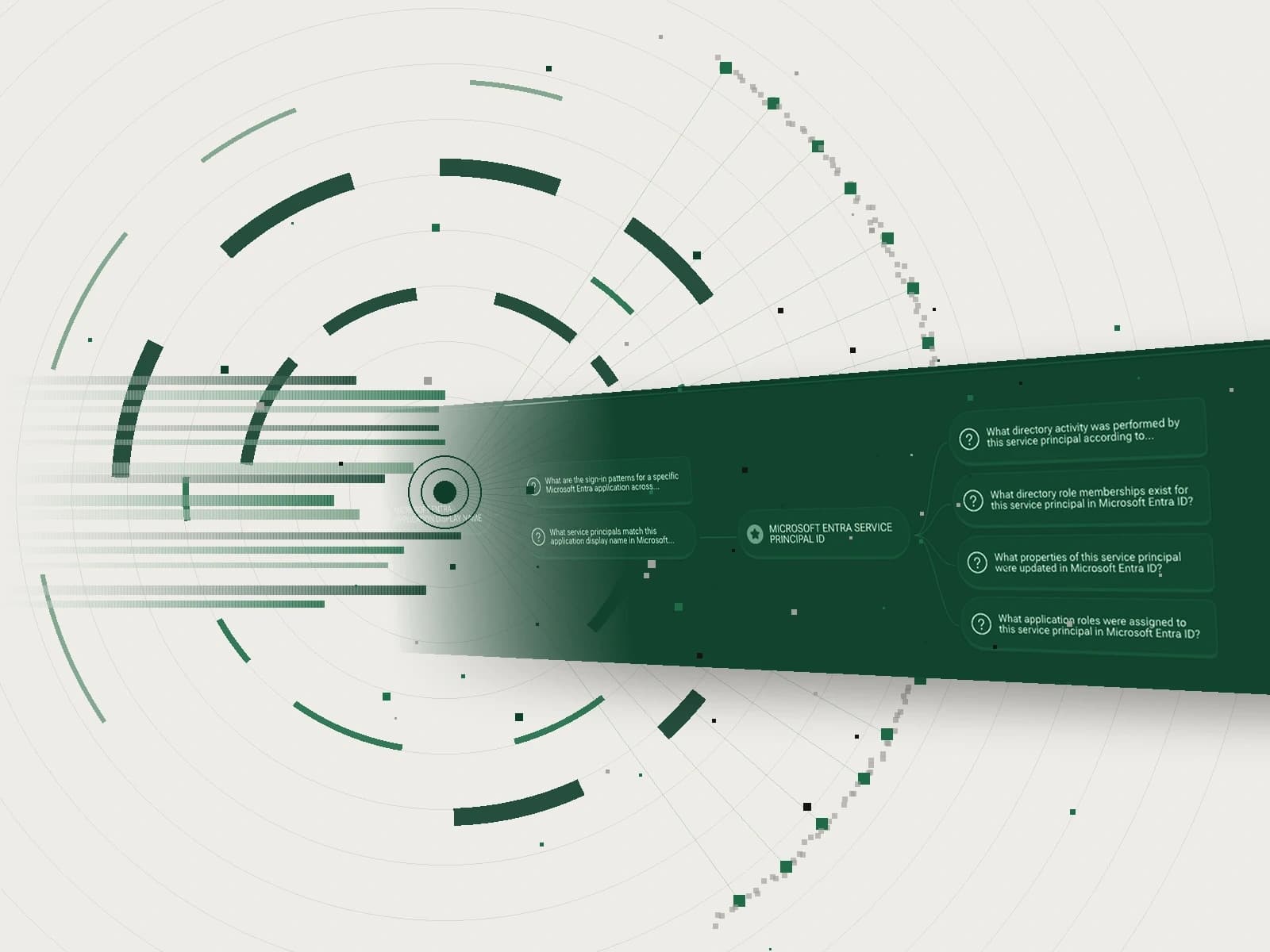
3. Chain it with existing questions. The facet "Compromised O365 Application Hunt" starts from the display name. One branch runs the custom question. The other looks up the matching service principals and asks four existing questions of each:
- "What directory activity was performed by this service principal according to Microsoft Defender for Cloud Apps?"
- "What directory role memberships exist for this service principal in Microsoft Entra ID?"
- "What properties of this service principal were updated in Microsoft Entra ID?"
- "What application roles were assigned to this service principal in Microsoft Entra ID?"
The role questions catch an app that gave itself Global Administrator or another directory role. The directory activity question is where changes the ConnectWise app made to other apps show up, including credentials it added.

Lab: the facet runs from a display name to its service principals, then to four post-compromise questions.
4. Run it. Add the lead, apply the facet, and every question runs. The custom question is also enabled for automated investigations, so it's available beyond this one hunt.
5. Check credentials on every app, not just ConnectWise's. The facet starts from the ConnectWise service principals, so it finds what they did. The persistence Huntress found sits on other apps. Separately, review every "Add service principal credentials" and "Update application – Certificates and secrets management" event in your Entra audit log since October 13, whoever the actor was. Any new secret or certificate you didn't create is a finding, even if no ConnectWise activity turns up.
The IP
For the attacker address, ask what sign-in activity exists for 144.172.64[.]128. Run both the interactive sign-in question and the service principal sign-in question, and set the time range back to October 13 so the password spray is in scope. Any hit in your tenant is worth escalating.

Lab: 144.172.64.128 added as a lead and tagged "Confirmed Attacker Infrastructure."

Choosing sign-in questions to run against the IP lead.
What to do now
Disable first, even if your hunt comes back clean. These steps follow Huntress's guidance:
- Disable, don't delete, every ConnectWise and SkyKick enterprise app. Set "Enabled for users to sign-in" to No. Deleting removes consent, and restoring service then needs re-consent.
- Remove directory roles you didn't grant to any ConnectWise or SkyKick app, especially Global Administrator or Privileged Authentication Administrator. Do it after the app is disabled.
- Review client secrets and certificates on every app for any added since October 13 that you didn't create. Start with management and security tools.
- Review Conditional Access exclusions. If a policy excludes any of these apps, for example from a location-based block, the attacker's infrastructure isn't blocked there either.
- Don't re-enable any ConnectWise app until ConnectWise confirms all credentials have been reset.
Disabling Cloud Backup pauses backups. Existing backups held by ConnectWise are not deleted.
In MITRE ATT&CK terms, Huntress maps the activity to valid cloud accounts (T1078.004), additional cloud roles (T1098.003), and additional cloud credentials (T1098.001).
Indicators
The app IDs are legitimate ConnectWise apps whose credentials were abused or can't yet be verified. Disable the service principals; blocking the IDs is not enough. Sources: Huntress, ConnectWise.
Indicator | Value | Notes |
|---|---|---|
ConnectWise Cloud Backup |
| Credential abused; sign-ins from the IP below |
ConnectWise Cloud Management - MS Teams |
| Added itself to Global Administrator and added secrets to two other apps in one tenant |
ConnectWise Cloud Management - Exchange Online |
| Self-assigned directory roles seen with vendor user agent; disable until verified |
ConnectWise Cloud Management - MS Graph |
| Self-assigned directory roles seen with vendor user agent; disable until verified |
ConnectWise Cloud Management - SharePoint Online |
| Listed by Huntress to check; disable until verified |
ConnectWise Cloud Management |
| Listed by Huntress to check |
ConnectWise Cloud Management - Partner Center |
| Listed by Huntress to check |
Vendor owner tenant ID |
| Seen on the service principal events |
Source IP |
| AS14956, RouterHosting (hosting provider); password spray Oct 13–14, app sign-ins Oct 15 |
User agents |
| Low fidelity on their own. Vendor apps use |
In older tenants the Cloud Management apps may appear as "SkyKick Cloud Manager."
Community-reported, unverified. Admins on Reddit also named these as SkyKick app IDs. We could not verify them or the activity reports about them, so hunt for them too:
fc2bedd5-450f-4d3c-a2e5-96d2465574d6ccd0fb86-b4b4-48f1-a3c4-28bd1baeae6e7441fd5e-1d54-4465-8e18-8f5208c482562568dd75-4f97-46c4-9235-ff6bcb68557c59c003ad-130e-4c4c-9796-f0c13cbd7952("O365 Backup Self Service - Customer Access")
Thanks to the Huntress team and the admins on r/sysadmin and r/msp who shared what they saw. This investigation is still moving, and we will update this post as Huntress and ConnectWise publish more.